> ## Documentation Index
> Fetch the complete documentation index at: https://requestly-mintlify-changelog-requestly-past-week-38456.mintlify.site/llms.txt
> Use this file to discover all available pages before exploring further.
# GraphQL Request
> Requestly supports GraphQL requests, allowing you to send querie, mutations, and define variables
***
GraphQL requests work over HTTP just like REST, but instead of defining multiple endpoints, you typically interact with a **single endpoint** (e.g., `/graphql`) and specify the exact data you want. This gives you flexibility, reduces over-fetching, and makes debugging APIs much simpler.
 ## Create your first GraphQL request
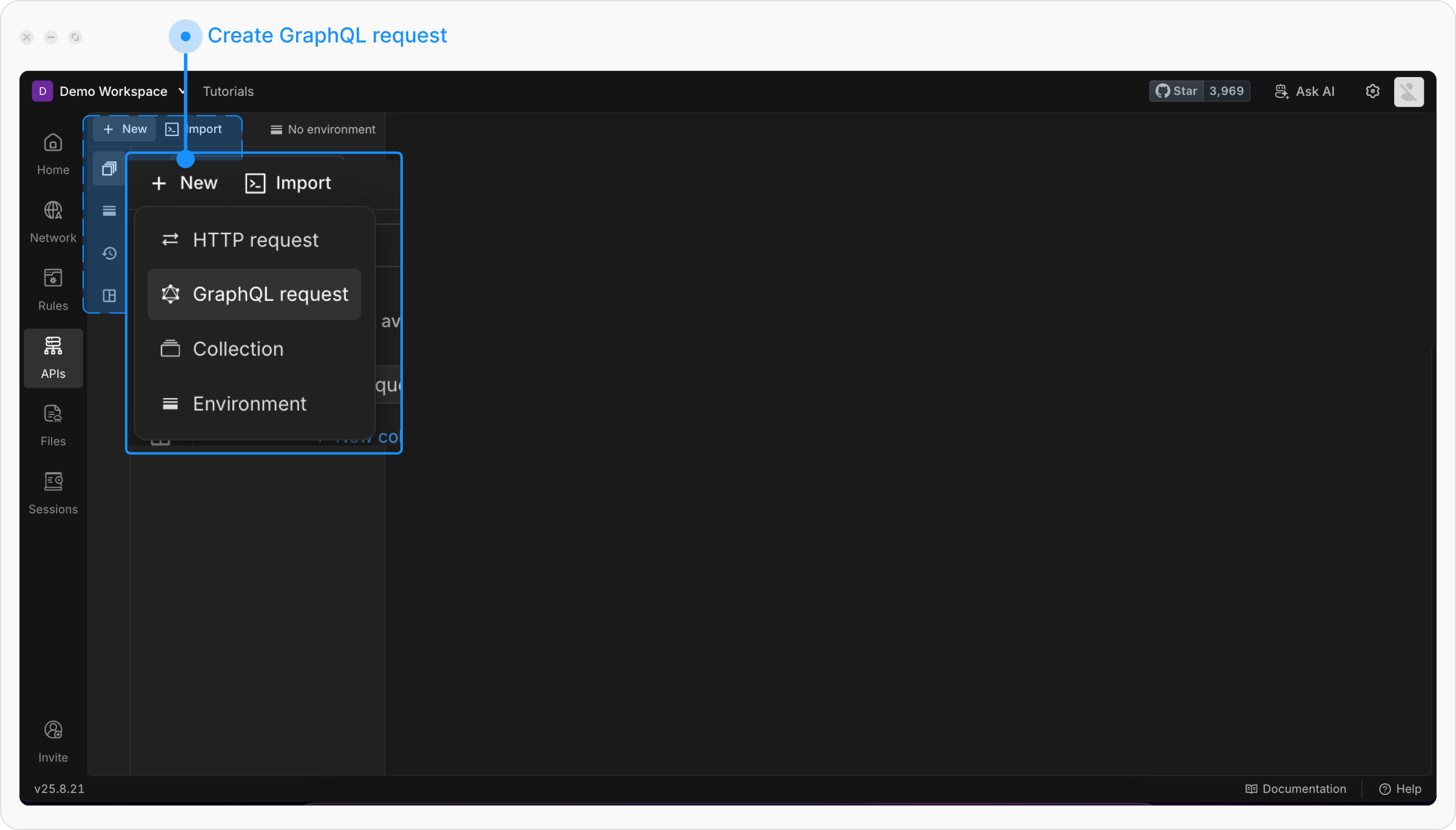
Click the **API Client** link in the left sidebar of the Requestly application, then click the `+ New` button to create a new request and select **GraphQL request** from the menu.
## Create your first GraphQL request
Click the **API Client** link in the left sidebar of the Requestly application, then click the `+ New` button to create a new request and select **GraphQL request** from the menu.
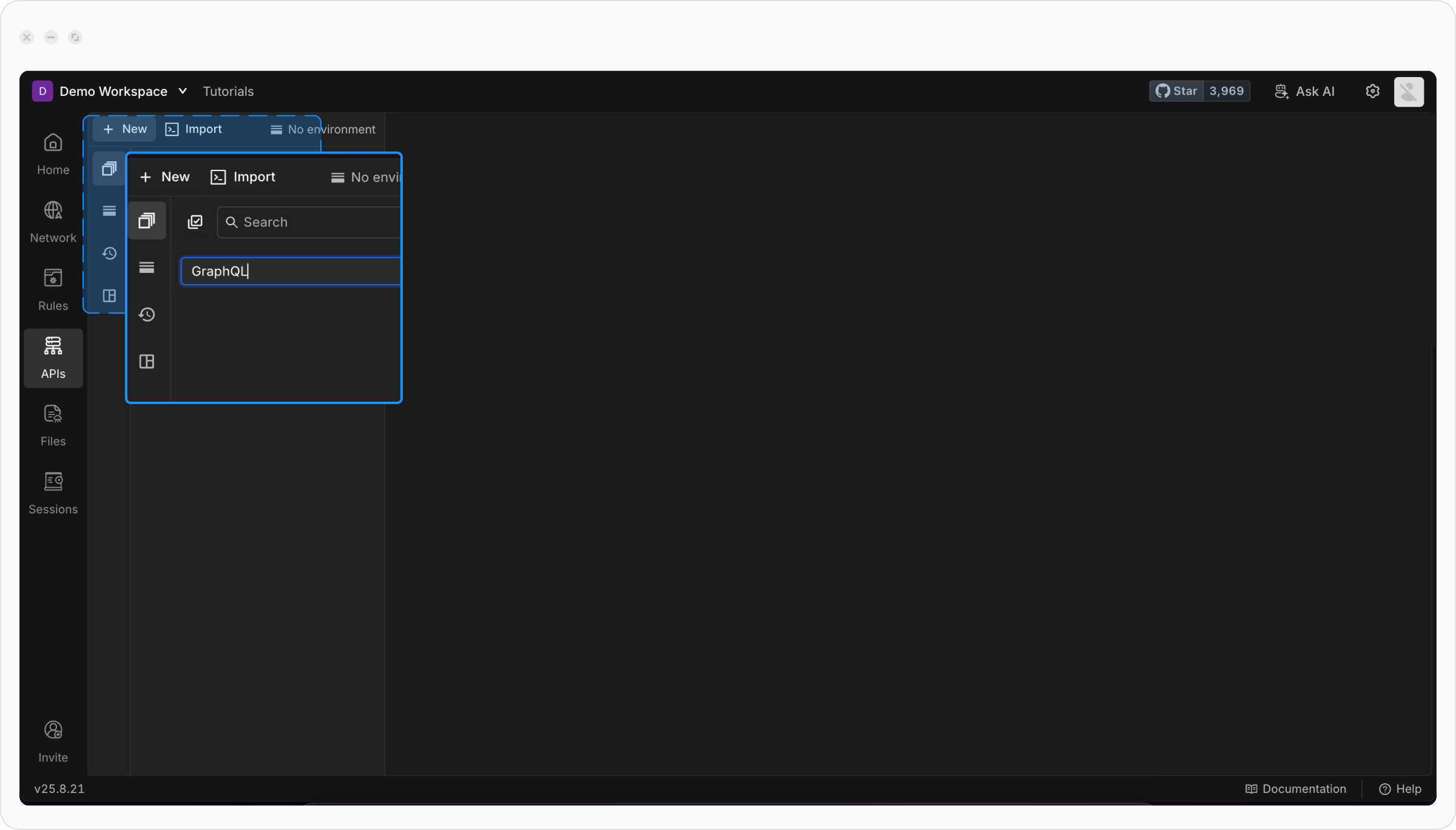
 Give a descriptive title for your request to make it easy to identify later
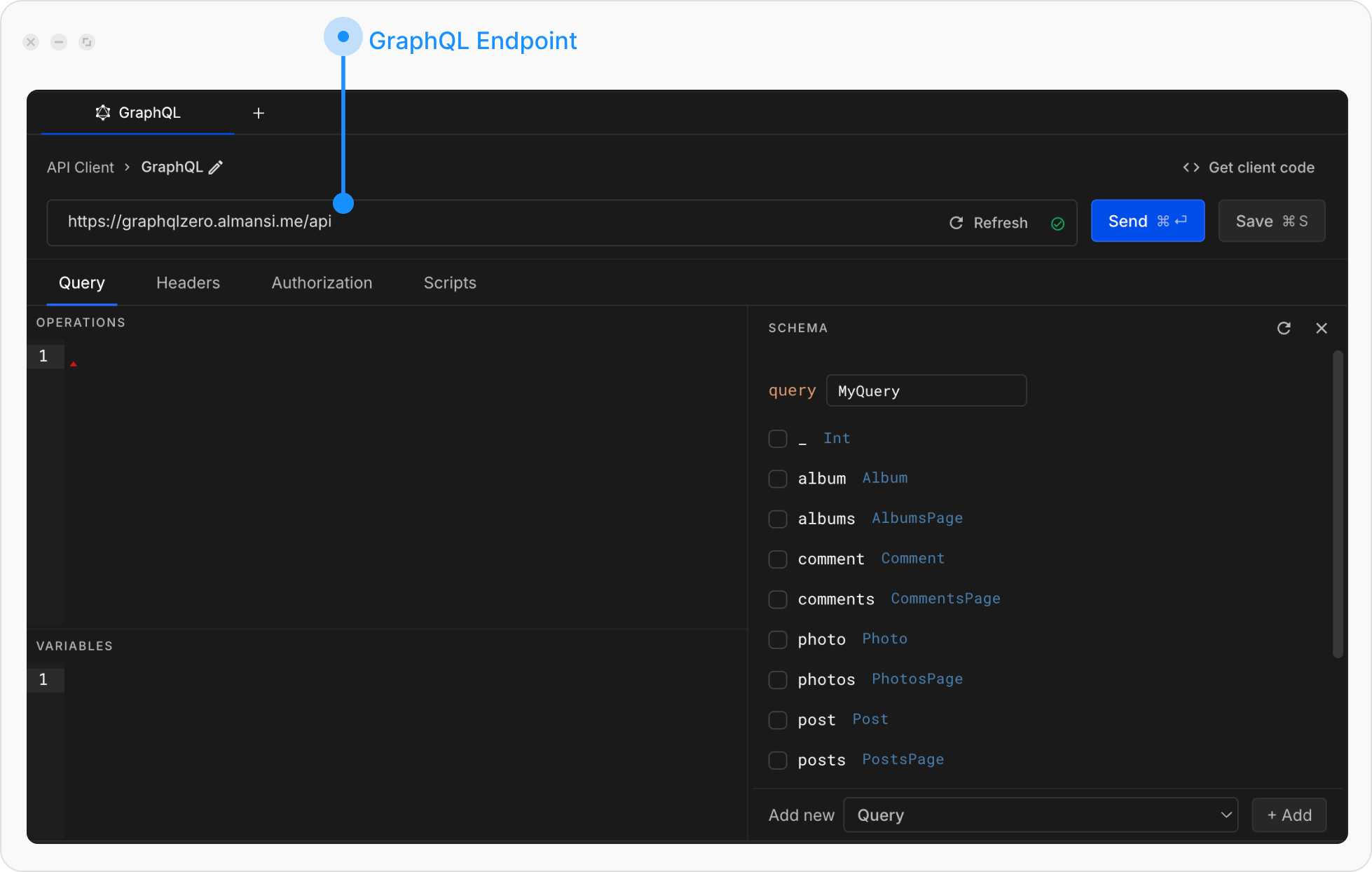
 Add your GraphQL endpoint.
It will automatically perform **schema introspection** so you can explore available queries, mutations, and types.
Add your GraphQL endpoint.
It will automatically perform **schema introspection** so you can explore available queries, mutations, and types.
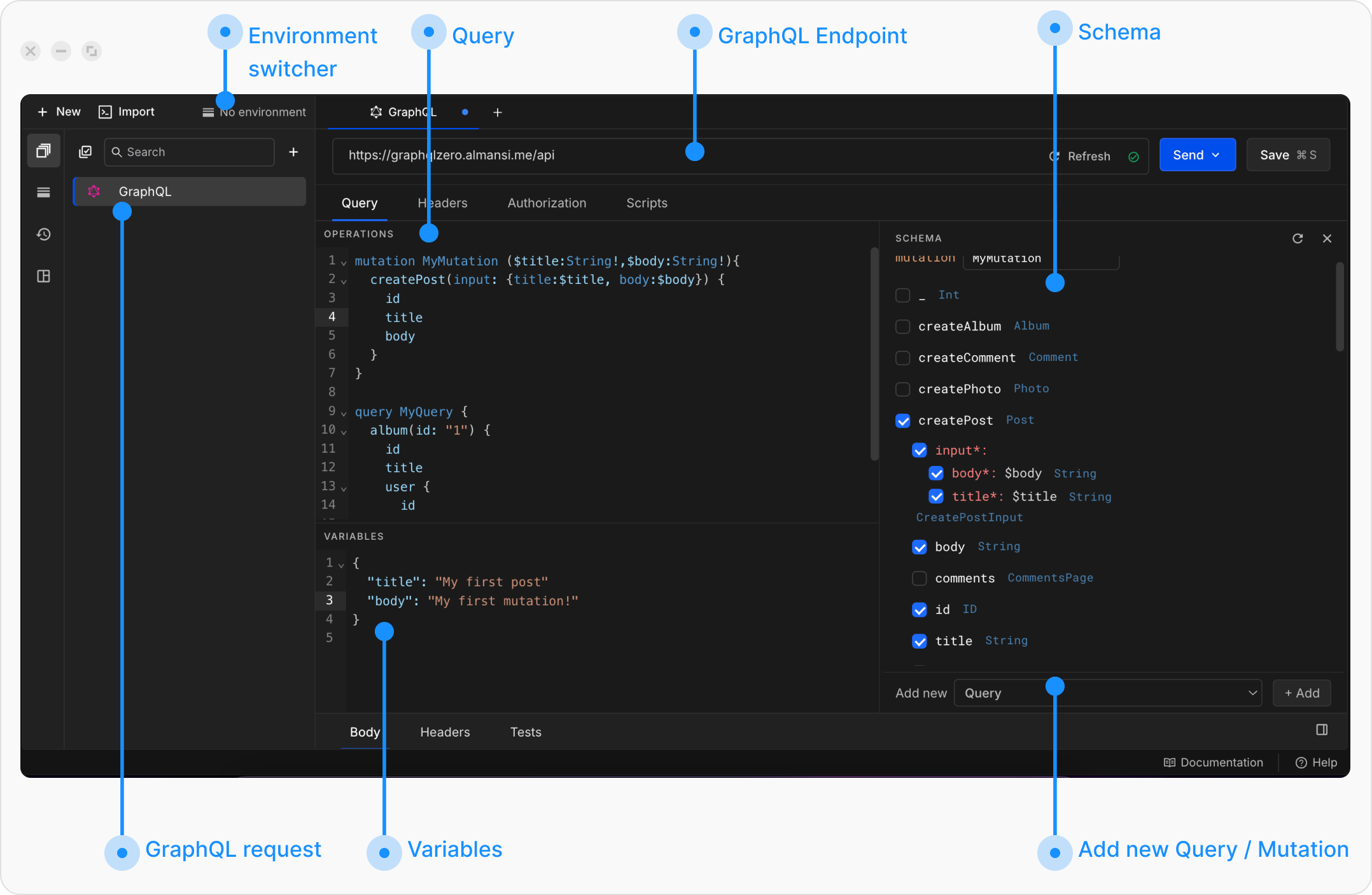
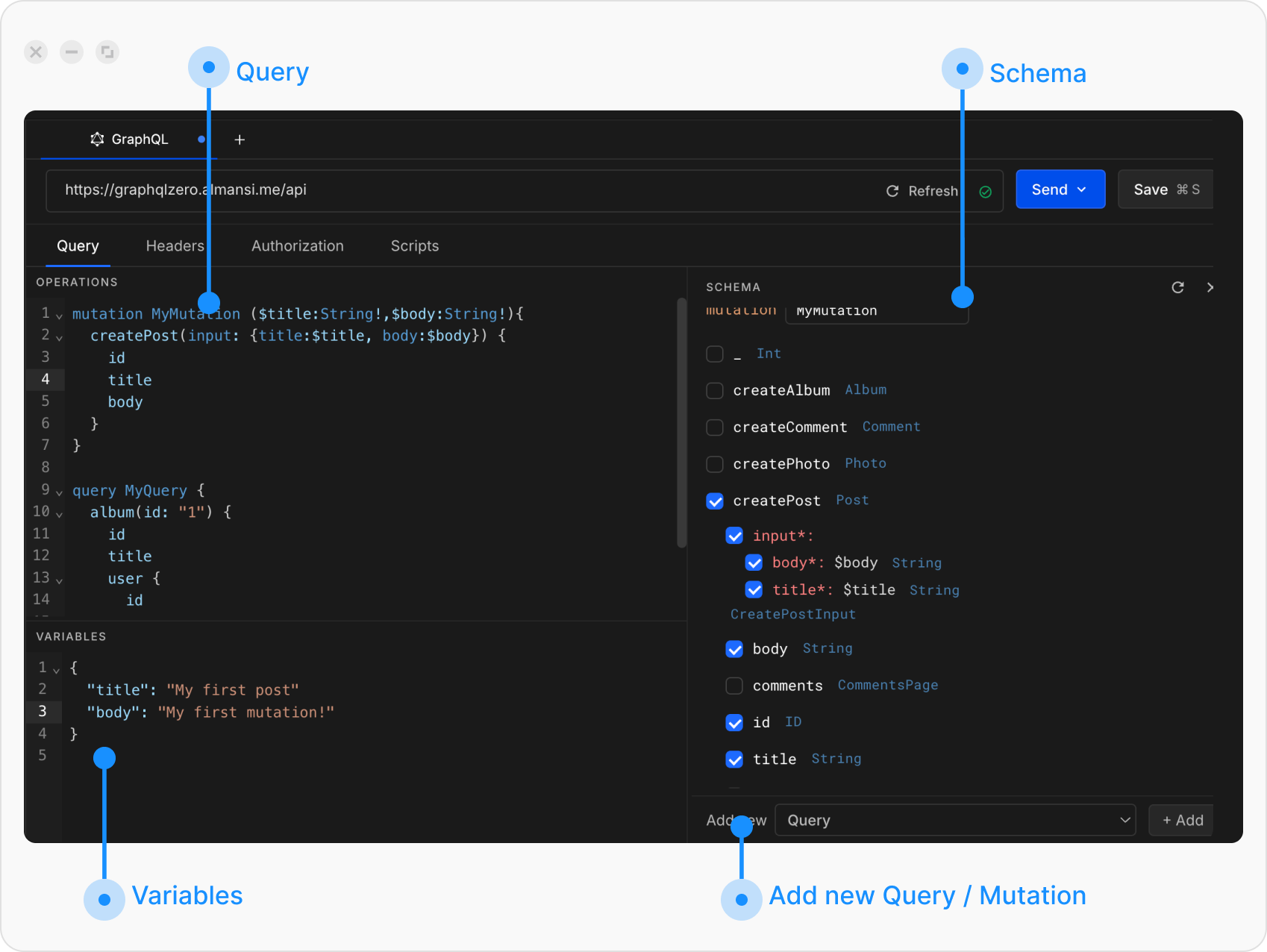
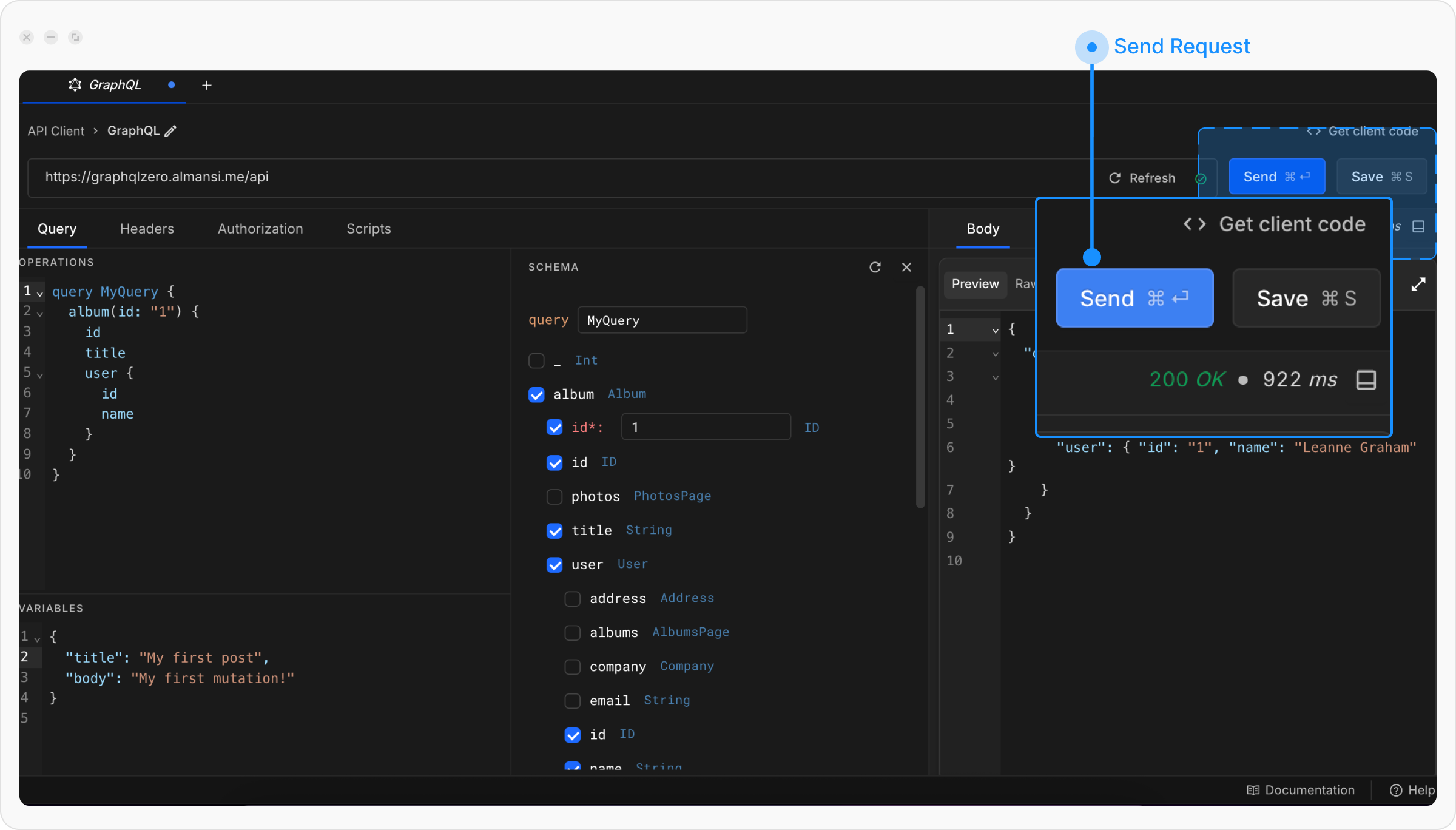
 Under the **Query** tab, you’ll see three panels:
* **Query/Mutation editor**: where you write or generate queries.
* **Variables editor**: where you define variables in JSON format.
* **Schema**: where you explore your API’s schema (Queries, Mutations, Subscriptions).
Under the **Query** tab, you’ll see three panels:
* **Query/Mutation editor**: where you write or generate queries.
* **Variables editor**: where you define variables in JSON format.
* **Schema**: where you explore your API’s schema (Queries, Mutations, Subscriptions).
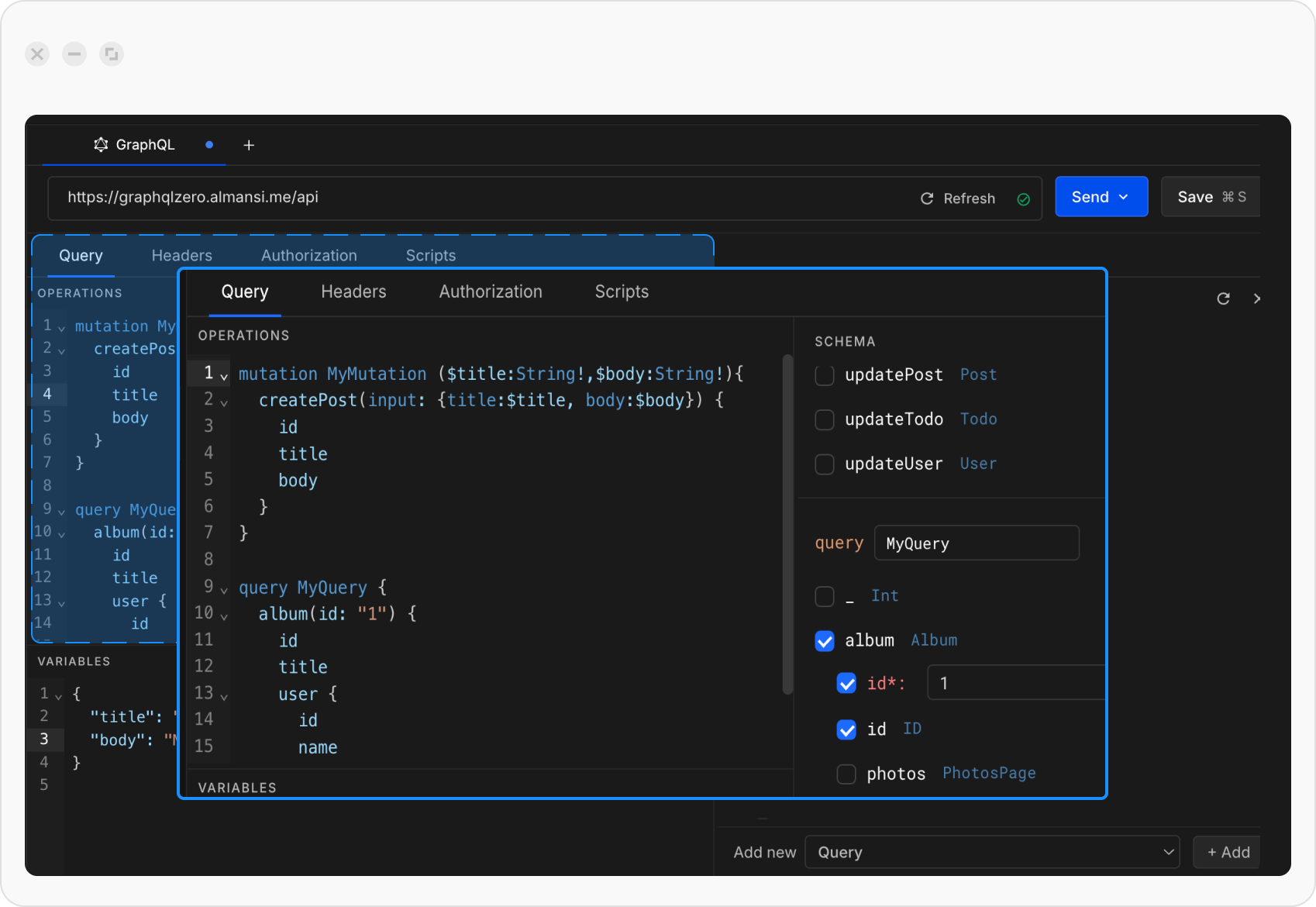
 In the schema explorer, select a field and expand its arguments. A query will automatically appear in the **Query editor**.\
Alternatively, you can write your query manually
In the schema explorer, select a field and expand its arguments. A query will automatically appear in the **Query editor**.\
Alternatively, you can write your query manually
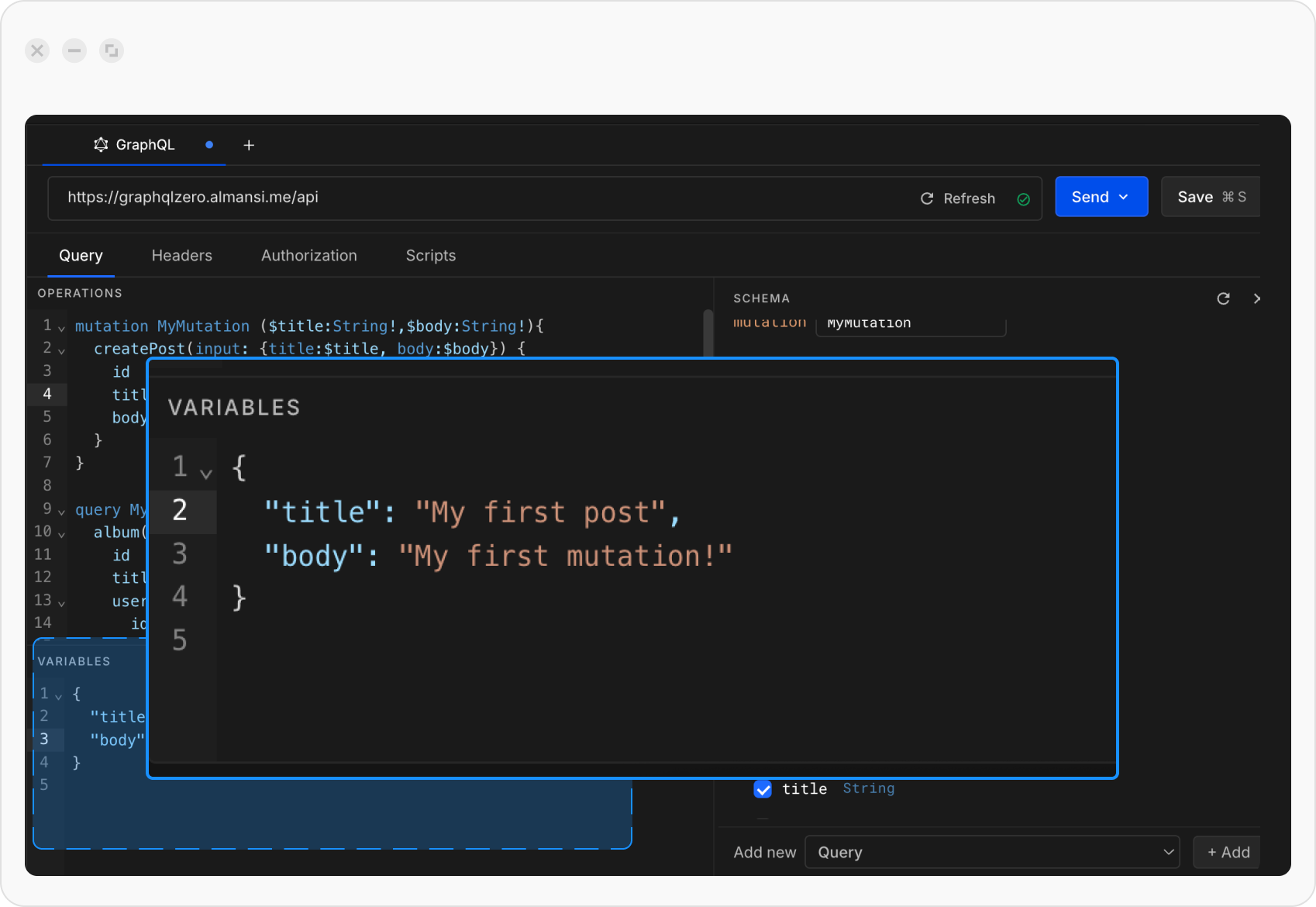
 In the **Variables editor**, provide values in JSON format.
 Click **Send** to execute your query and view the response.
 ### Create a GraphQL request with multiple queries
Click the **API Client** link in the left sidebar of the Requestly application, then click the `+ New` button to create a new request and select **GraphQL request** from the menu.
From the schema explorer, select more than one field. Both queries will appear in the **Query editor**. Alternatively, you can manually new query / mutation
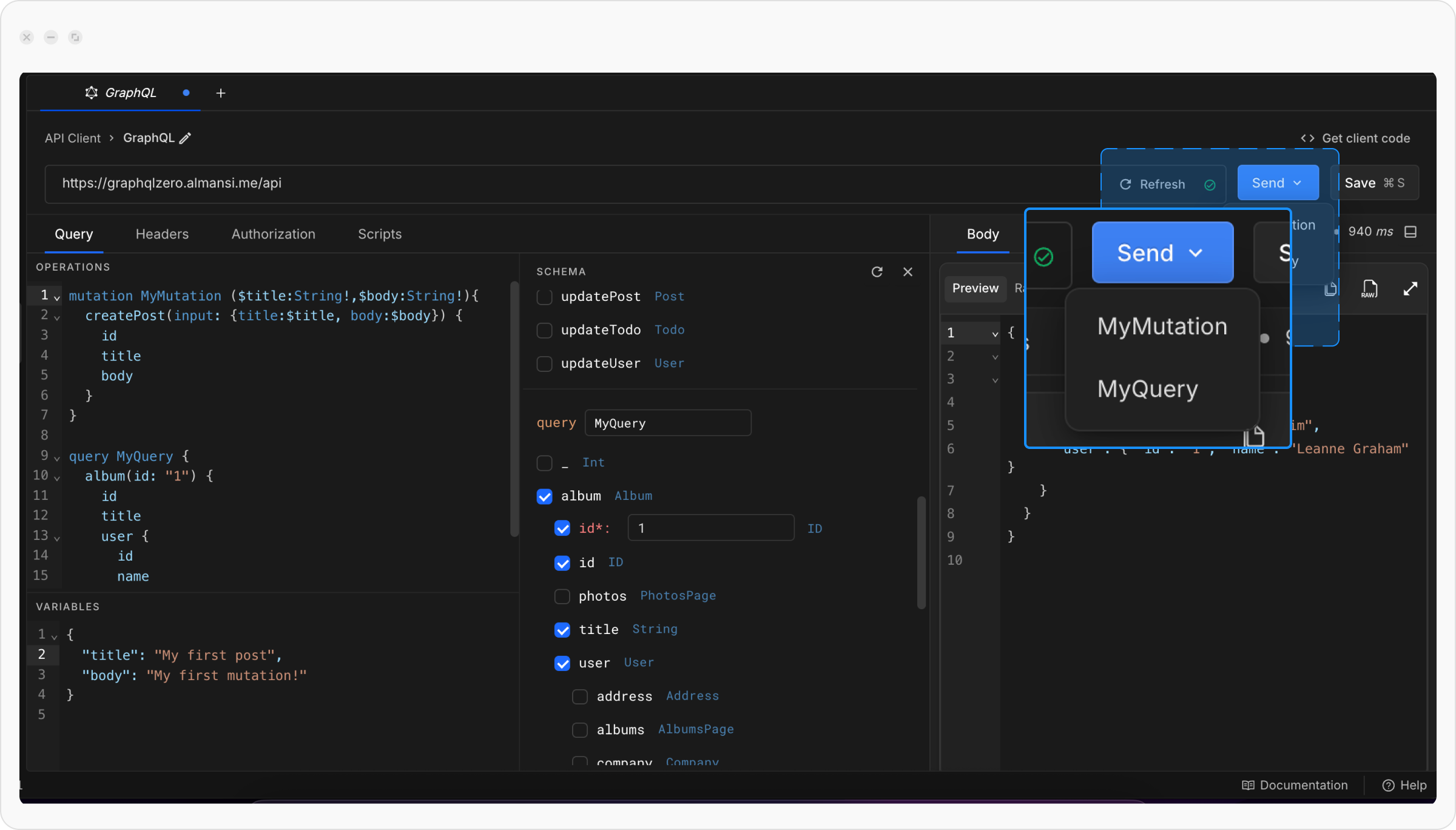
Only one query runs at a time. First, click the **Send** button, then select the query you want to run from the dropdown.
To execute another query, click the Send button again and select the other query from the dropdown.
### Create a GraphQL request with multiple queries
Click the **API Client** link in the left sidebar of the Requestly application, then click the `+ New` button to create a new request and select **GraphQL request** from the menu.
From the schema explorer, select more than one field. Both queries will appear in the **Query editor**. Alternatively, you can manually new query / mutation
Only one query runs at a time. First, click the **Send** button, then select the query you want to run from the dropdown.
To execute another query, click the Send button again and select the other query from the dropdown.